Adding Google Analytics to NuxtJS app
Adding Google Analytics GA4 property to NuxtJS App
Setting up Google Analytics Account
-
Sign in with your google account (otherwise
Sign Up) -
Click on the
Adminicon on the left pane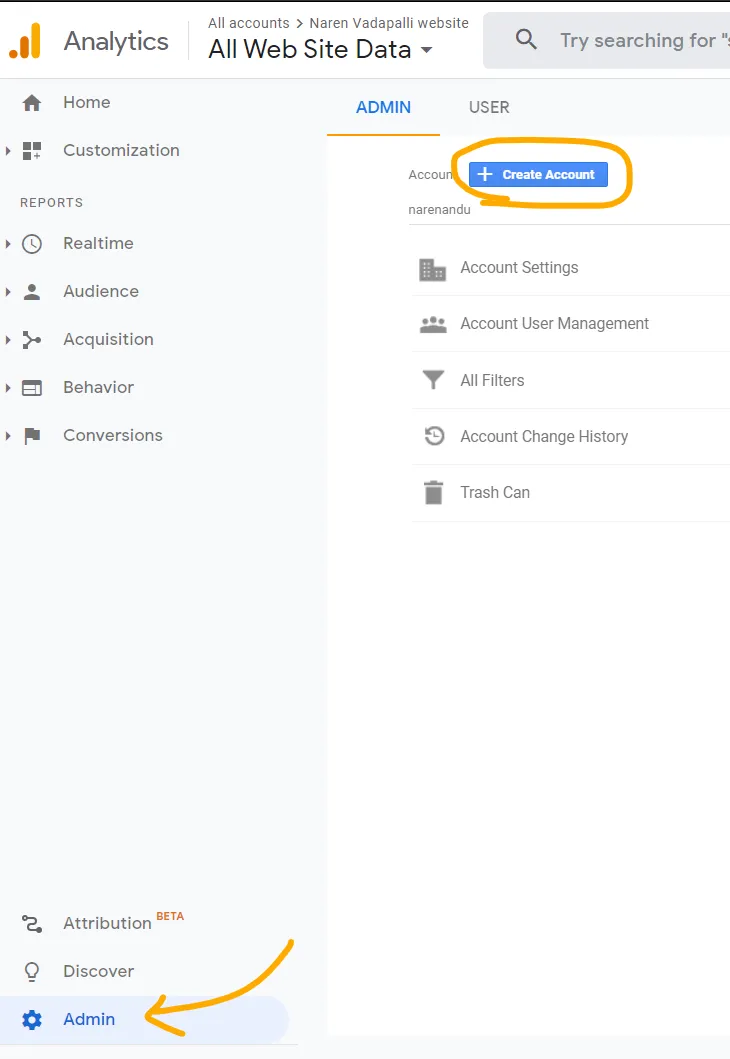
-
Create an account for the website by providing the details for the property to measure, which in this my business website: Skynet Technology Ltd
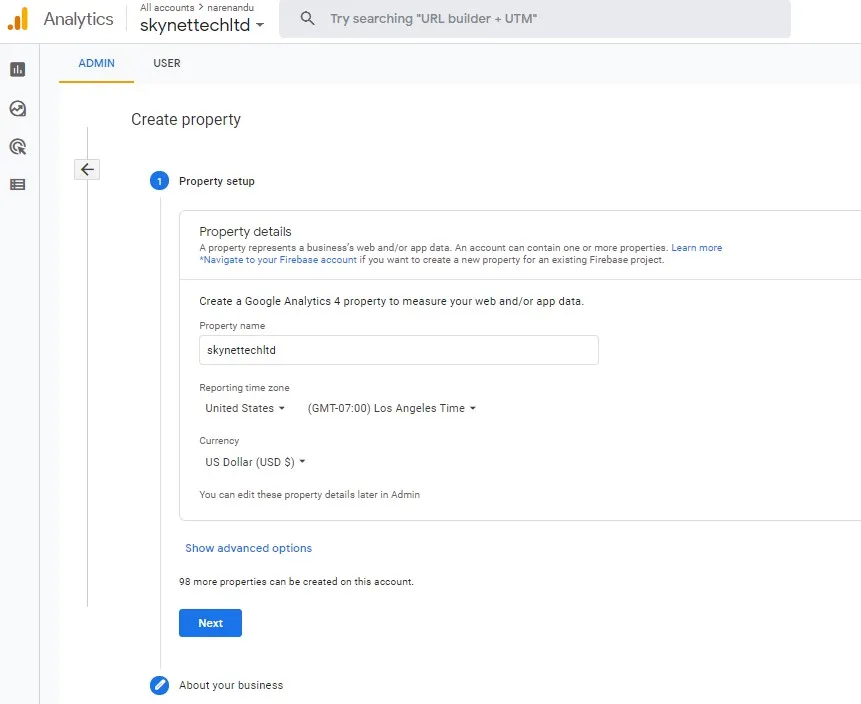
- Provide the details about the business
-
Click
DataStreamsunder the property column and create a newWeb Stream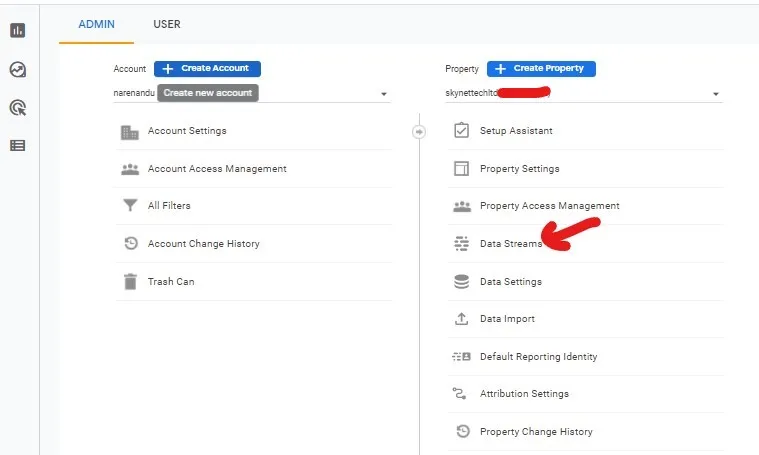
-
Finally something like the following should appear on the screen with a
Measurement IDthat is of the formatG-XXXXXXX. Make a note of this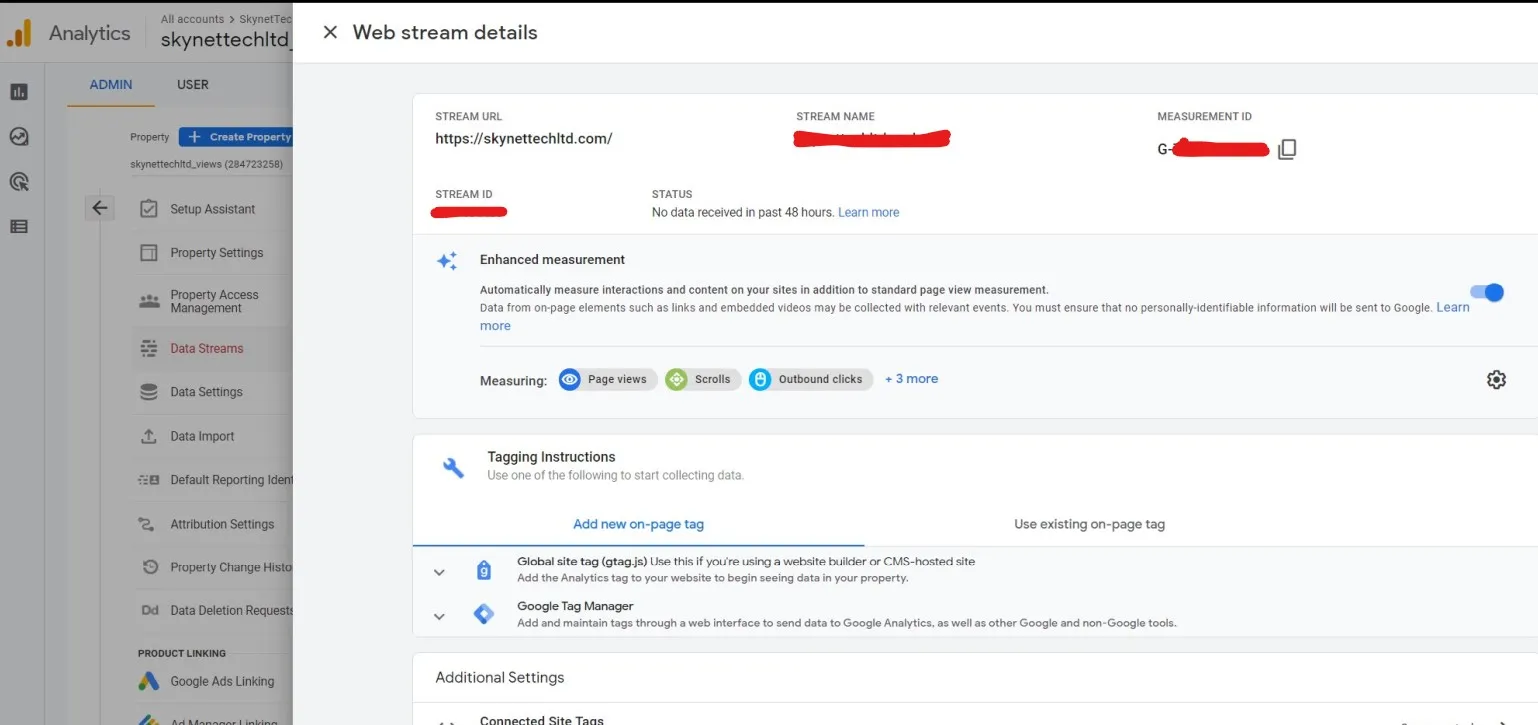
-
Now go in the Source code of the NuxtJS app and create a folder called
pluginsat the root with a file calledgtag.js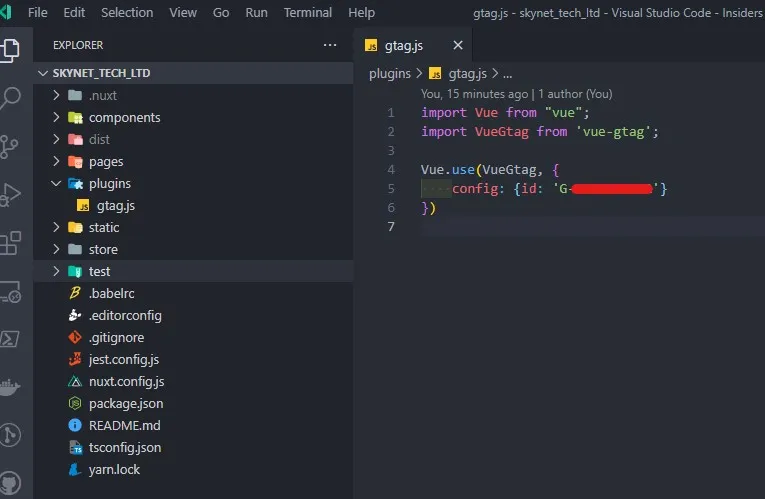
-
Install the
vue-gtagpackage usingyarn(ornpmif you use it). Please note"vue-gtag": "^1.16.1"is the working version with this setup.
yarn add vue-gtag- Add the following to the
plugins/gtag.jsfile. Replace the value againstidby providing the Measurement ID shown in the earlier step
import Vue from "vue";
import VueGtag from 'vue-gtag';

Vue.use(VueGtag, {
    config: {id: 'G-XXXXXXXXXX'}
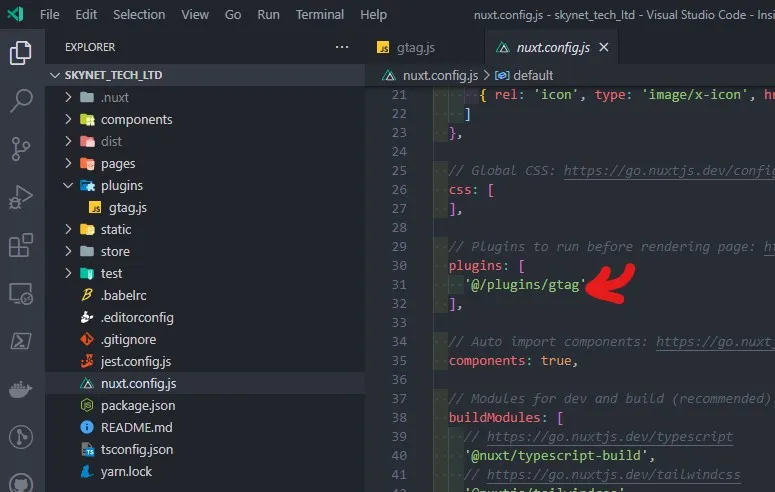
})- Add the path to the created plugin in
nuxt.config.jsfile at the root
  plugins: [
    '@/plugins/gtag'
  ],
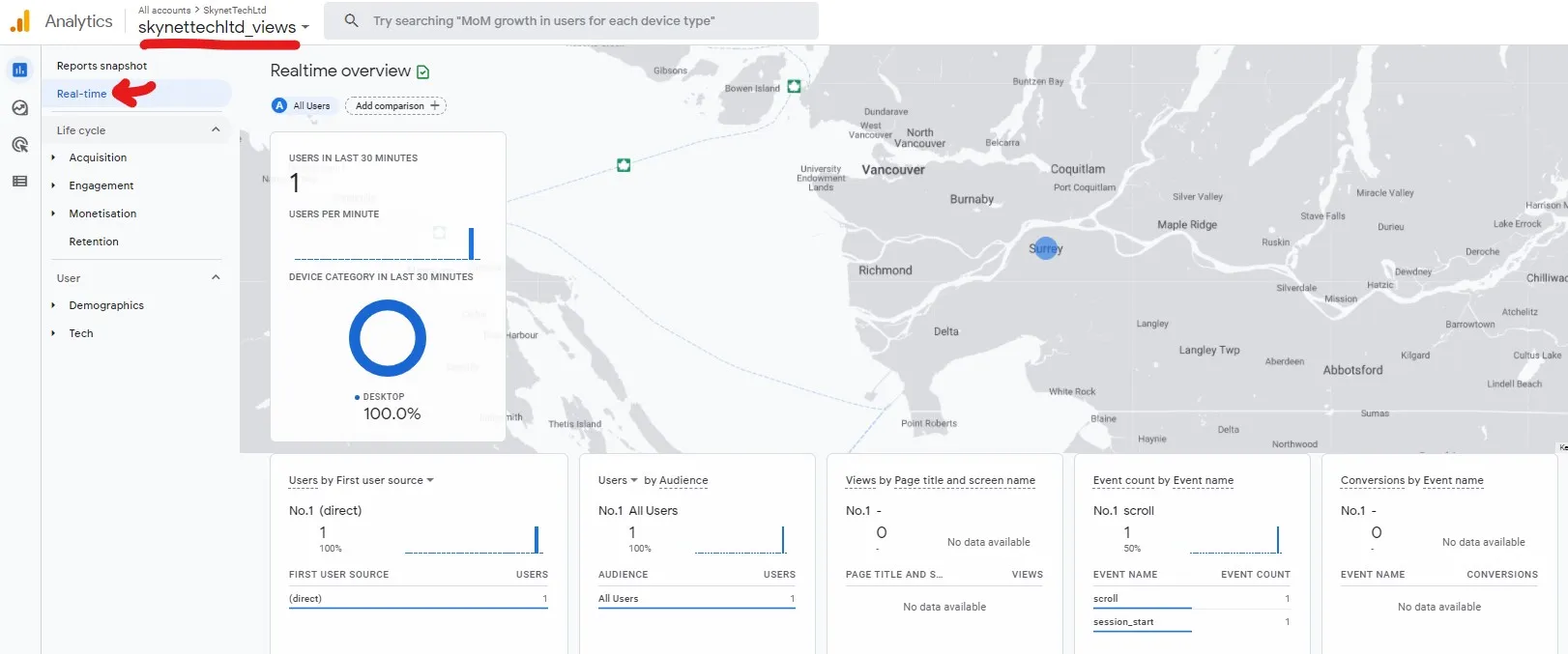
That’s mostly it. Just follow through your deployment process and should see the real time stats as a method of verification