
Claude Code Basics: Commands, Subagents, and Memory Layers
Learn the difference between slash commands and file context mentions, configure global vs local memory, and understand how custom skills and subagents operate in Claude Code.
Claude Code Series: ← Claude Code Customization: CLAUDE.md, AGENTS.md, and SKILLS.md (Previous) | Claude Code Custom Skills: Design Methodology and Workspace Personas (Next) →
Recommended Background Reading
Before diving into this guide, it is recommended to read the previous posts in the series:
- Setting up Claude Code: The Ultimate Terminal AI Pair Programmer — Base environment installation and authentication guide.
- Claude Code Customization: CLAUDE.md, AGENTS.md, and SKILLS.md — Detailed explanation of configuring project-specific styles, rules, and memory layers.
Once you have customized your codebase rules using special files like CLAUDE.md and .claudeignore, the next step is mastering how you interact with the agent during an active command-line session.
To use Claude Code effectively, you need to understand the core interactive systems: Slash Commands (/), File Mentions (@), Skills, Subagents, and Memory Layers.
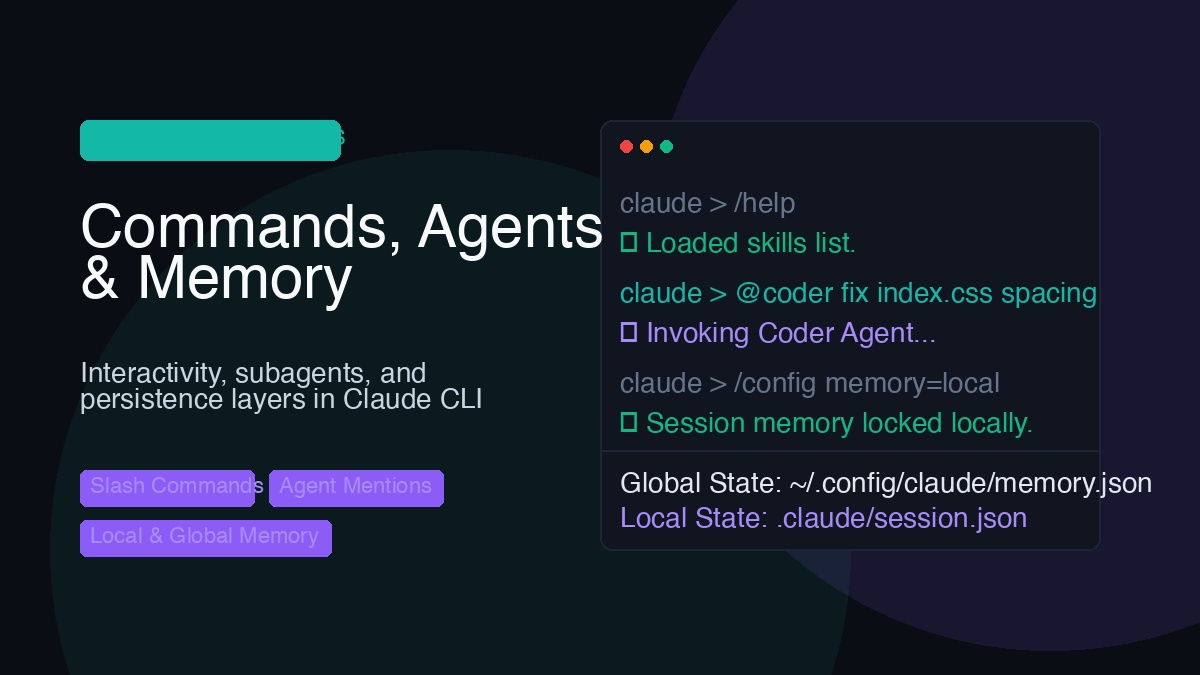
1. Slash Commands (/): Local CLI Actions
Slash commands are built-in CLI actions executed locally by the terminal wrapper. They run instantly, do not send your codebase context to the remote LLM, and do not cost tokens. Think of them as control-panel shortcuts.
/help– Lists what commands you can run./clear– Wipes the chat history buffer to start a fresh turn./config– Accesses settings (like turning thinking modes on or off)./agents– Manages, lists, or terminates active background subagents./tasks– Checks the status or logs of active background processes./exit– Closes the session.
2. File & Context Mentions (@): Targeting Codebase Context
In standard Claude Code, the @ symbol is used for File Context Injection. Typing @ opens an interactive, fuzzy-search file picker with tab-completion.
@src/pages/about.astro explain this layout– Injects the content ofabout.astrodirectly into the prompt so Claude can read and analyze it.- Dynamic Subagents: Claude Code handles sub-tasks (like code execution or file search) by dynamically spawning background tool processes on-the-fly. You do not need to create these sub-sessions upfront, and you do not invoke them using
@namementions; the parent agent manages them automatically.
3. How Skills Integrate with CLI Commands
In agentic environments, a Skill is a packaged capability (custom instructions + helper scripts) designed to solve a complex task. Once placed in your project’s configuration directory, skills seamlessly integrate with the CLI prompt.
When you type a request that matches a skill’s description (defined in the skill’s frontmatter), Claude Code automatically:
- Detects the relevance of the request.
- Loads the specific instructions and constraints from that skill’s markdown file.
- Executes the designated scripts under the hood.
This prevents your system prompt from getting bloated with complex instructions, keeping the chat session fast and token-efficient.
4. Creating & Invoking Subagents: A Basic Example
In advanced workflows, Claude Code can spin up subagents—isolated child sessions designed to perform tasks concurrently without polluting your main conversation context.
How this is invoked depends on your workspace:
A. Interactive CLI Chat Session (Prompt-based Delegation)
Inside an active terminal session, you don’t write code. Instead, you delegate tasks to background sessions in plain English. The primary agent handles the delegation:
You: “Analyze the codebase. Spawn a background session to check for deprecated APIs, while we continue working on index.html.”
B. Programmatic CLI Automation (Script-based Delegation)
Since Claude Code is a CLI utility, you can script it to run headlessly in your development pipeline, scripts, or git hooks.
For example, you can create a custom shell script to automate linting and verification:
- File Path:
scripts/qa_verify.sh - Content:
#!/bin/bash
echo "Running automated QA via Claude Code..."
# Invoke Claude Code headlessly with auto-approval to fix lint errors
claude "Run npm run lint and resolve any styling or spacing warnings in src/styles/global.css" --yes
When this script runs (for instance, as a pre-commit hook or during local testing), Claude Code starts, launches its internal tools to execute the lint and file edits, and exits cleanly upon completion.
5. Memory Layers: Global vs. Local Memory
To keep your preferences persistent across terminal restarts, Claude Code divides its memory into Global and Local directories.
~/.config/claude/        <-- Global Memory (User Settings, Auth Tokens)
       └── config.json

my-project/
  └── .claude/           <-- Local Memory (Session Logs, Cache, Local overrides)
       └── session.json
🌐 Global Memory (System-Wide)
Global memory stores information that applies to your entire machine, regardless of which repository you are currently running.
- Whereabouts: Saved under your user’s home configuration directory (typically
~/.config/claude/on macOS/Linux or%APPDATA%\claude\on Windows). - What’s in it: API keys, authentication tokens, global preferences (such as your default model, theme, or thinking budget settings), and global rules files.
📁 Local Memory (Project-Specific)
Local memory is sandboxed to the active workspace. It is used to keep sessions separate so that context from one project does not pollute another.
- Whereabouts: Saved inside a hidden folder in your repository root (typically
.claude/or.agents/). - What’s in it: Active conversation history, local file summaries (used for semantic search indexing), temporary workspace logs, and repository-specific configuration overrides.
Summary: CLI Reference Guide
| Feature | Prefix / Location | Primary Use Case | Does it cost tokens? |
|---|---|---|---|
| Slash Commands | / (e.g. /agents, /clear) | CLI settings, session resets, subagent management (/agents), and task tracking (/tasks). | No (runs locally) |
| Context Mentions | @ (e.g. @src/main.js) | Inject file and directory contents directly into the chat context. | Yes (uses input tokens) |
| Subagents | Dynamic (via code/CLI) | Delegating tasks in isolated background sandboxes. | Yes (calls LLM) |
| Global Memory | ~/.config/claude/ | Cross-project user settings and login states. | No |
| Local Memory | [project-root]/.claude/ | Project-specific session logs and file indexes. | No |
By understanding these interfaces and memory systems, you can orchestrate complex workflows, manage token consumption, and leverage specialized subagents to refactor your codebases safely.
In the next post, we will explore Claude Code Custom Skills: Design Methodology and Workspace Personas!